Edit Client
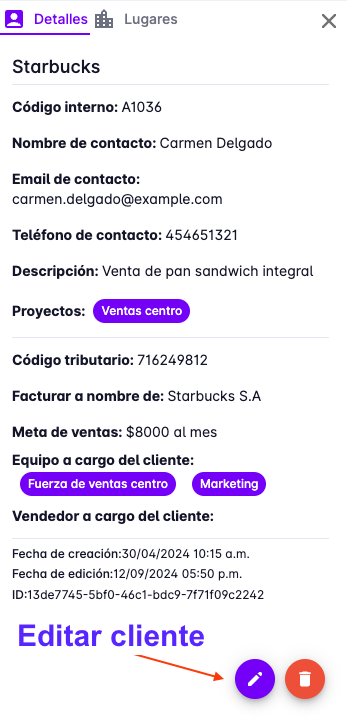
To edit a client, click the edit button that appears on the right side of the panel where the client's details are shown.
Edit Basic Information
The process for editing a client is very similar to creating one — the form is pre-filled with the existing client information, which you can then modify.
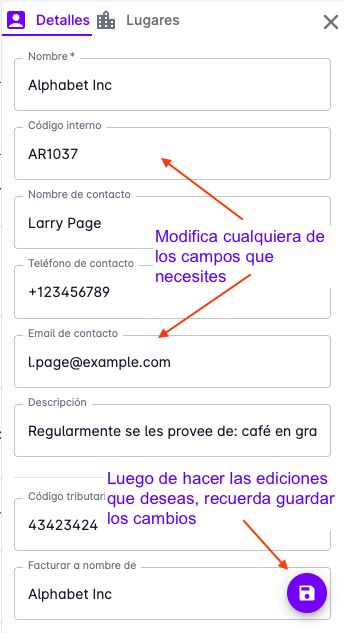
When you have finished editing, click the "Save" button.
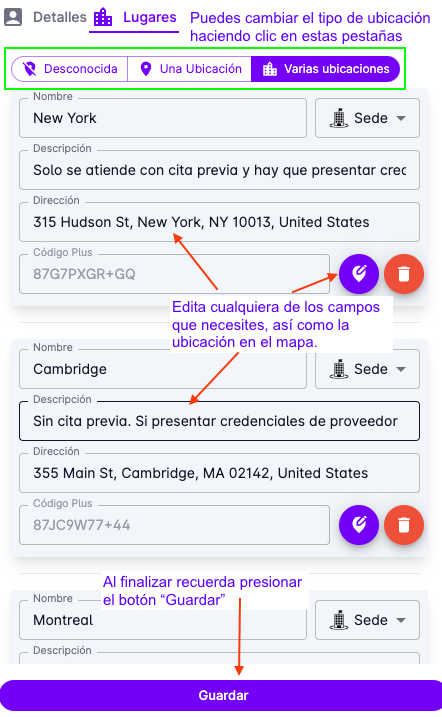
Edit Location
If you also need to update the client's location information, you can do so in the location section.
Press the "Location" or "Places" tab to access the client's address information.