Installations
Each time the App is installed on a device, a record of that installation is saved. This is useful for knowing how many installations a user has made and on which devices.
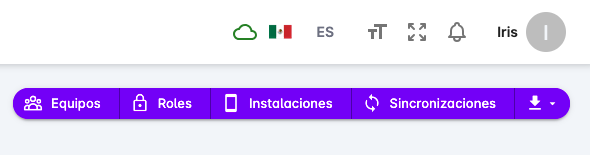
To access this page, first open the users page, then click the Installations button shown at the top.
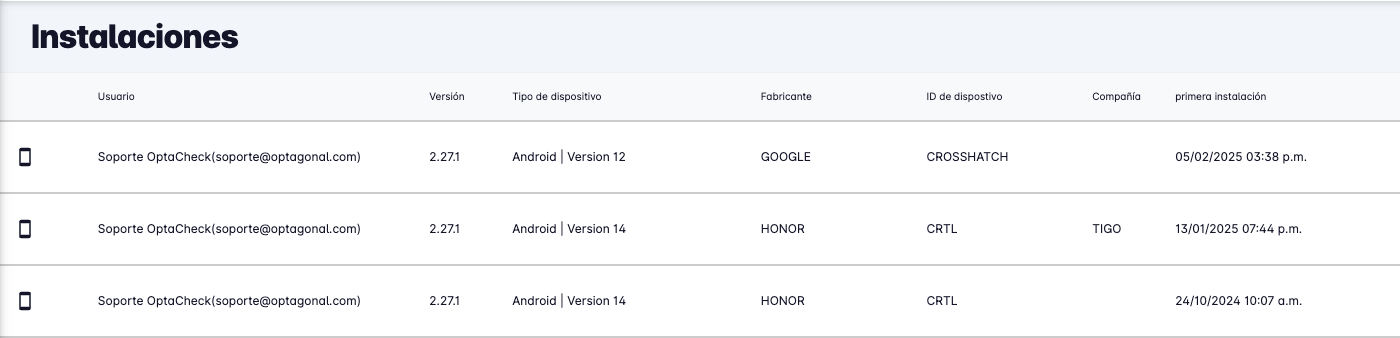
The installation list will appear, showing the user's name, App version, device information, version, and first and last installation date.
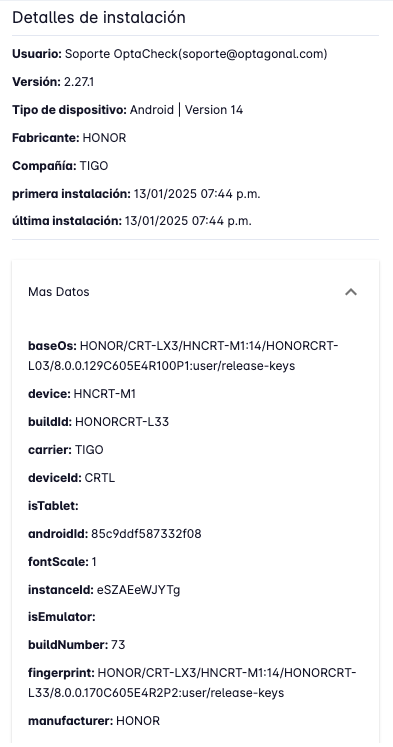
Clicking on an installation will show a panel with the detailed information of that installation.