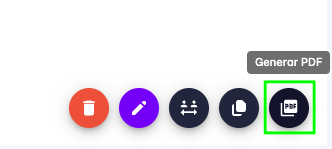
Generate PDF
The platform allows you to generate a PDF with the information from a task.
This is useful when you need to share task information with people who do not have access to the platform.
To generate a PDF for a task, follow these steps:
- Go to the tasks page.
- Find the task you want to export as PDF.
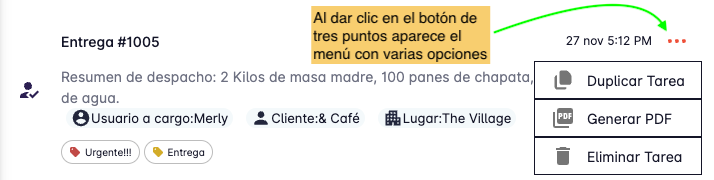
- Click the three-dot button on the right side of the task.
-
A menu will open — click "Generate PDF".
-
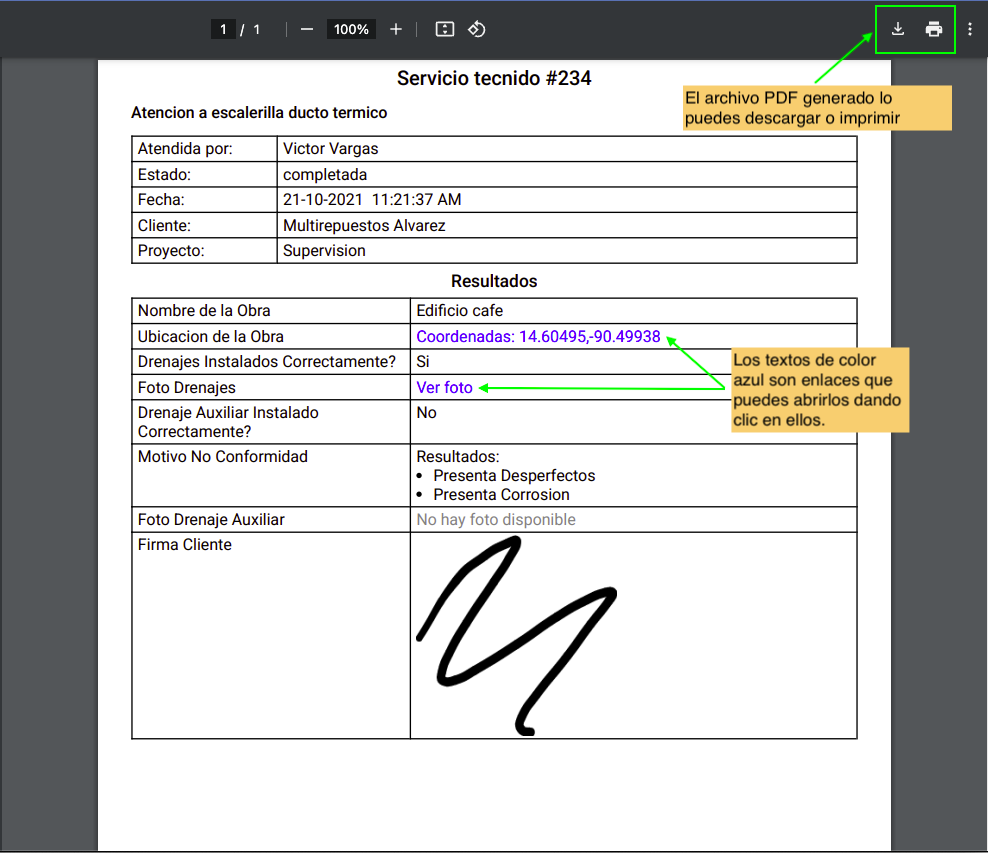
A new browser tab will open immediately showing the PDF with the task information. From there you can download or print the file.
You can also generate a PDF from the task detail view.