Location
From this page you can see where clients and users are located, manage geofences, view where tasks were completed, see the location of recorded visits, and access other tools.
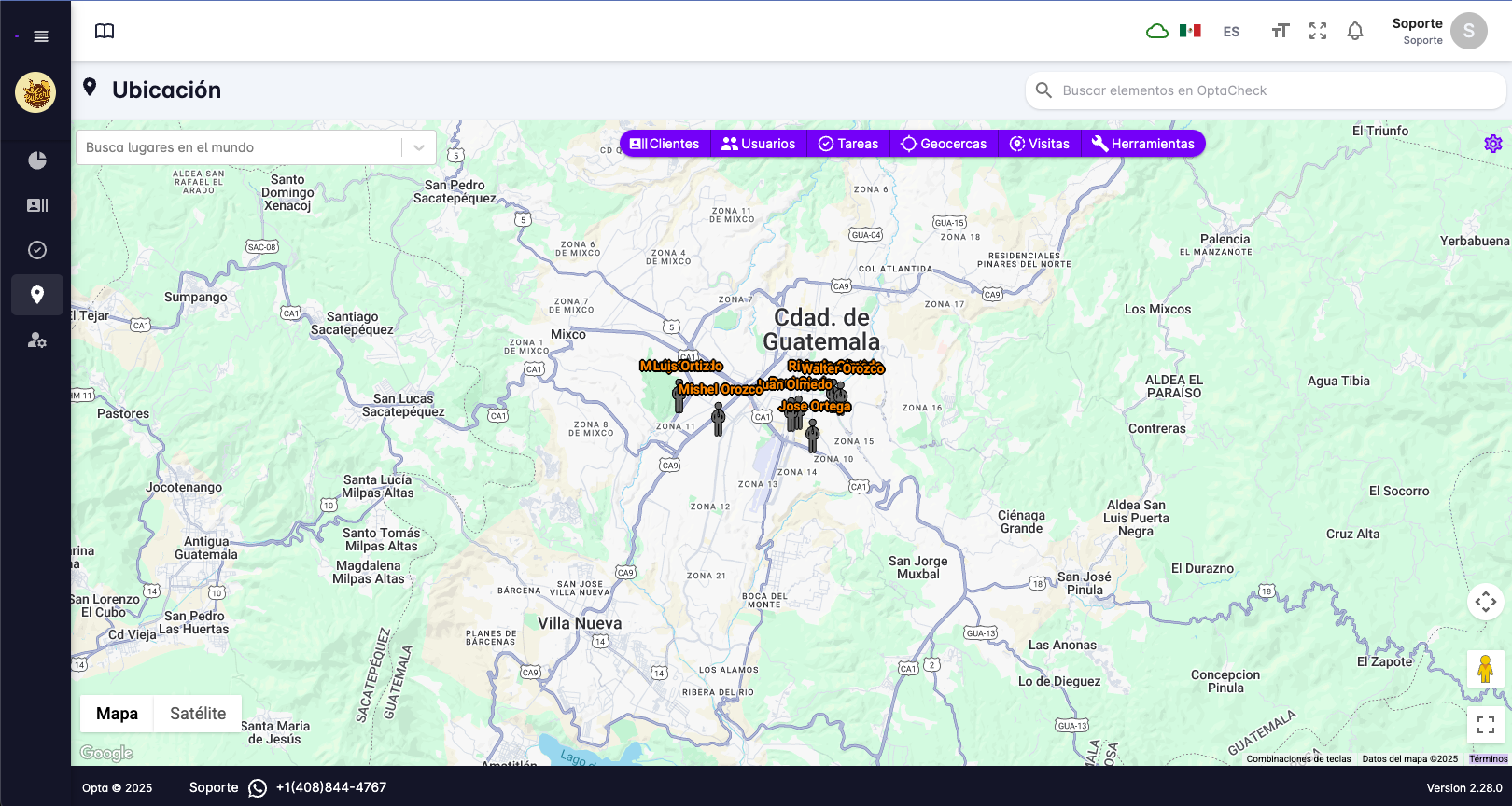
At the top of the screen there is a row of buttons to control the information you want to see.

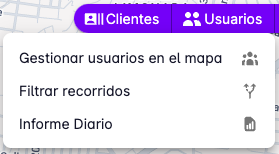
For example, if you select the Users button, three options will appear:
- Manage users on the map
- Filter tracks
- Daily report
For more details on each option, select the corresponding button: