Tools
A set of tools is available to help you manage the location records of your users.
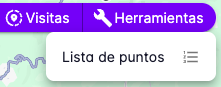
- Point List
Point List
The point list tool lets you enter geographic coordinates and visualize them on the map.
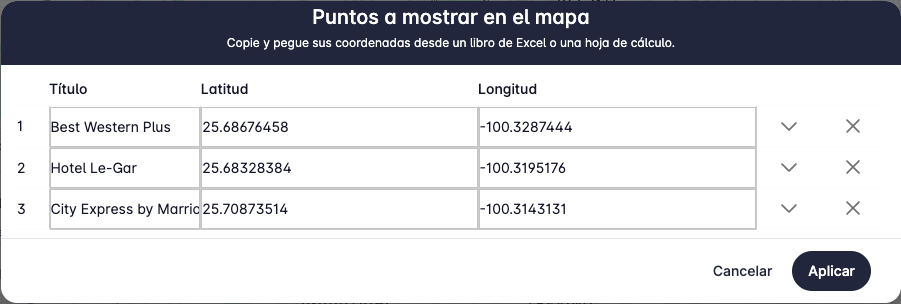
A form will appear where you can enter the geographic coordinates and a title for each point.
Once you have entered the coordinates and titles, press the Apply button to display the points on the map.
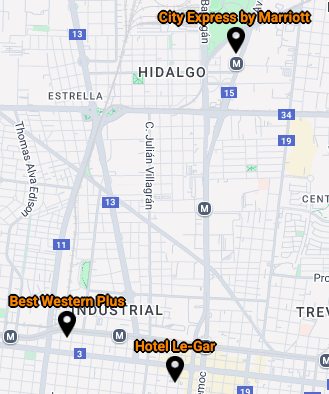
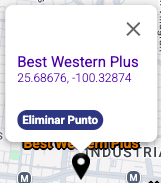
A marker will appear on the map with the title you entered. Clicking on the marker will show the point's title, its coordinates, and a button to delete the point.
This tool also lets you copy a list of points from Excel cells.
For example, if you already have the points in an Excel file, you can copy them into the point list form.
To copy points from Excel, select the cells containing the points and copy the content.
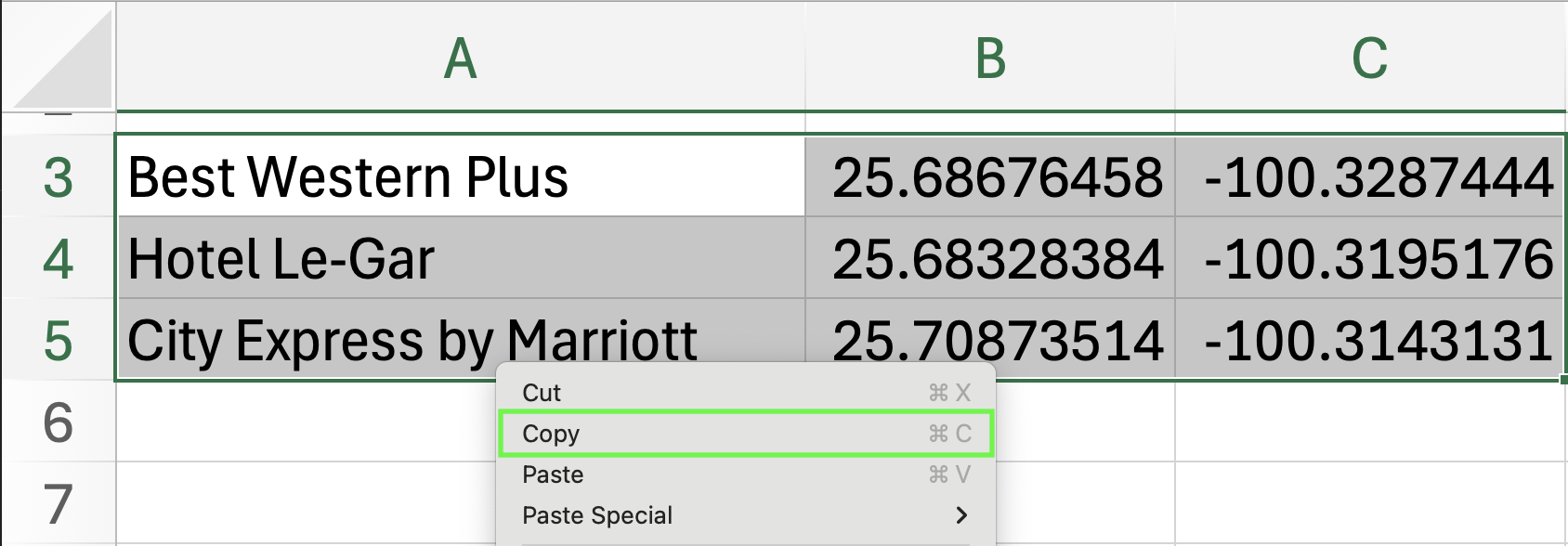
Then, right-click on the first cell in the point list form and select Paste.
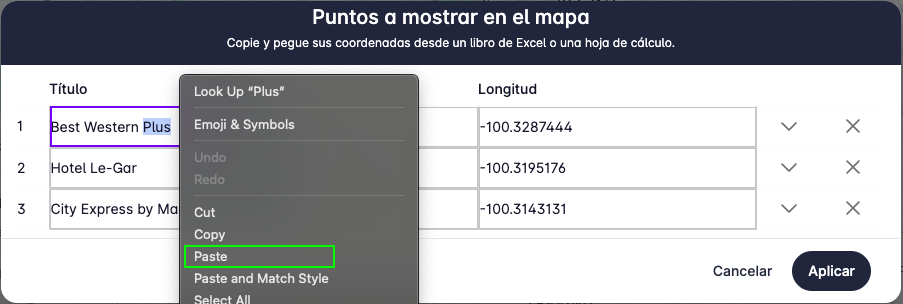
You will see the points copied into the form in the same order they were in Excel.
Press Apply to display the points on the map.