Client List
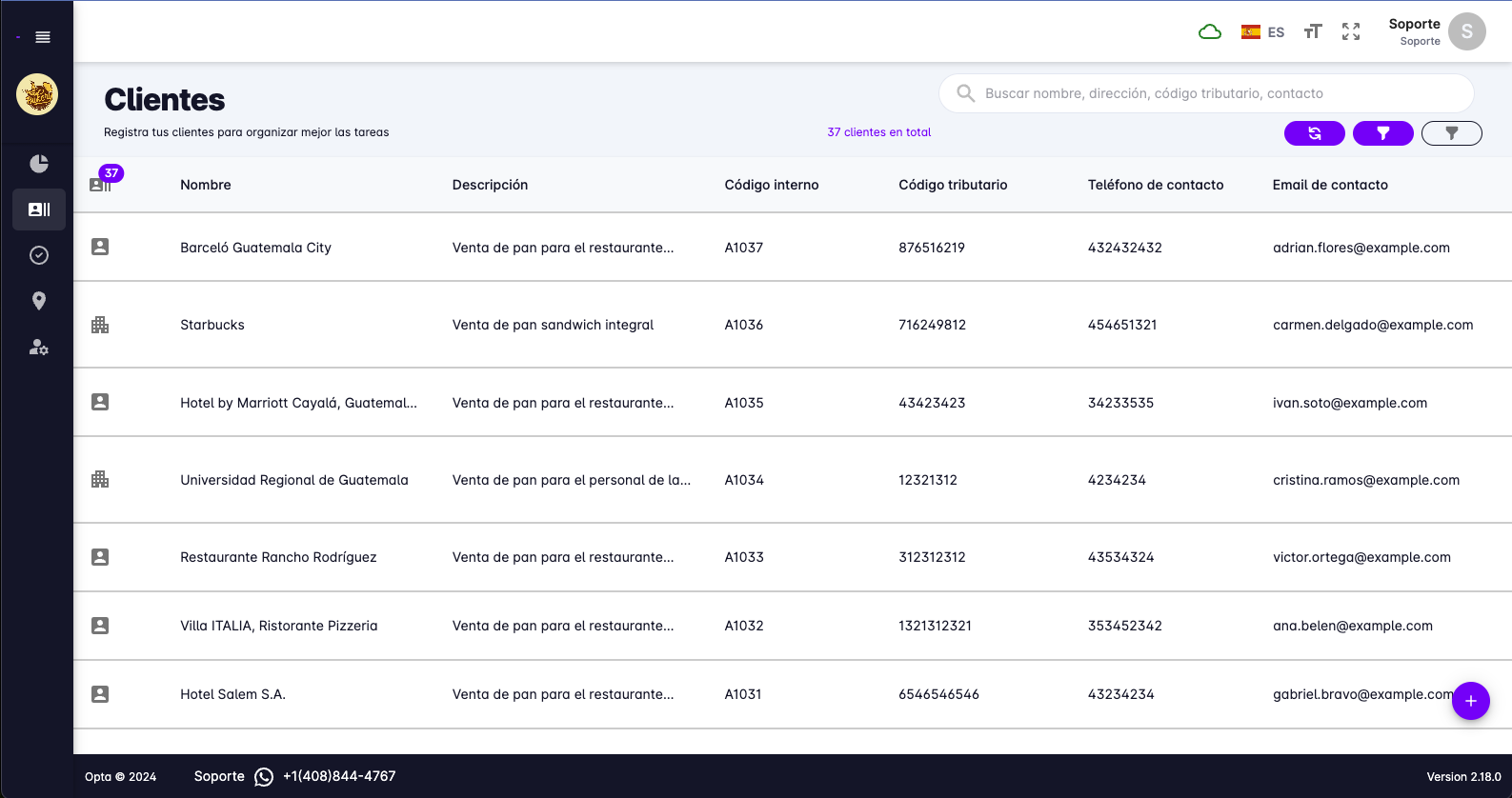
From this page you can manage everything relevant to your clients.
- View the details of a specific client.
- Create new clients.
- Edit existing clients.
- Filter by creation date, teams, and assigned salesperson.
- Client search.
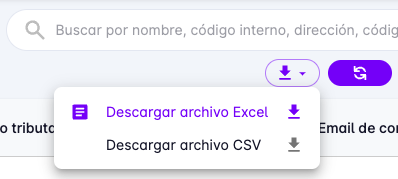
- Download Excel and CSV files.
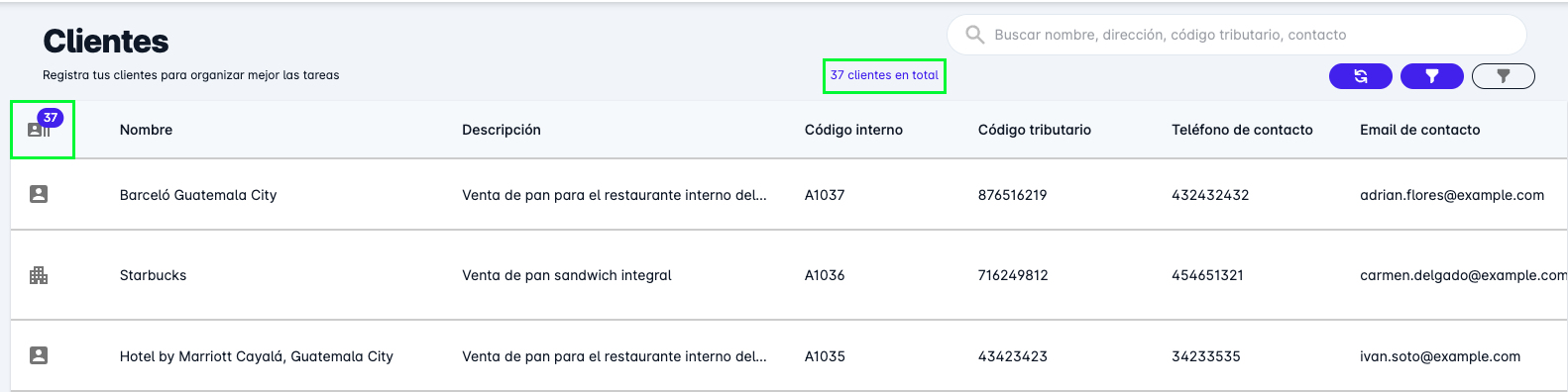
- View the total number of clients.
Client Detail
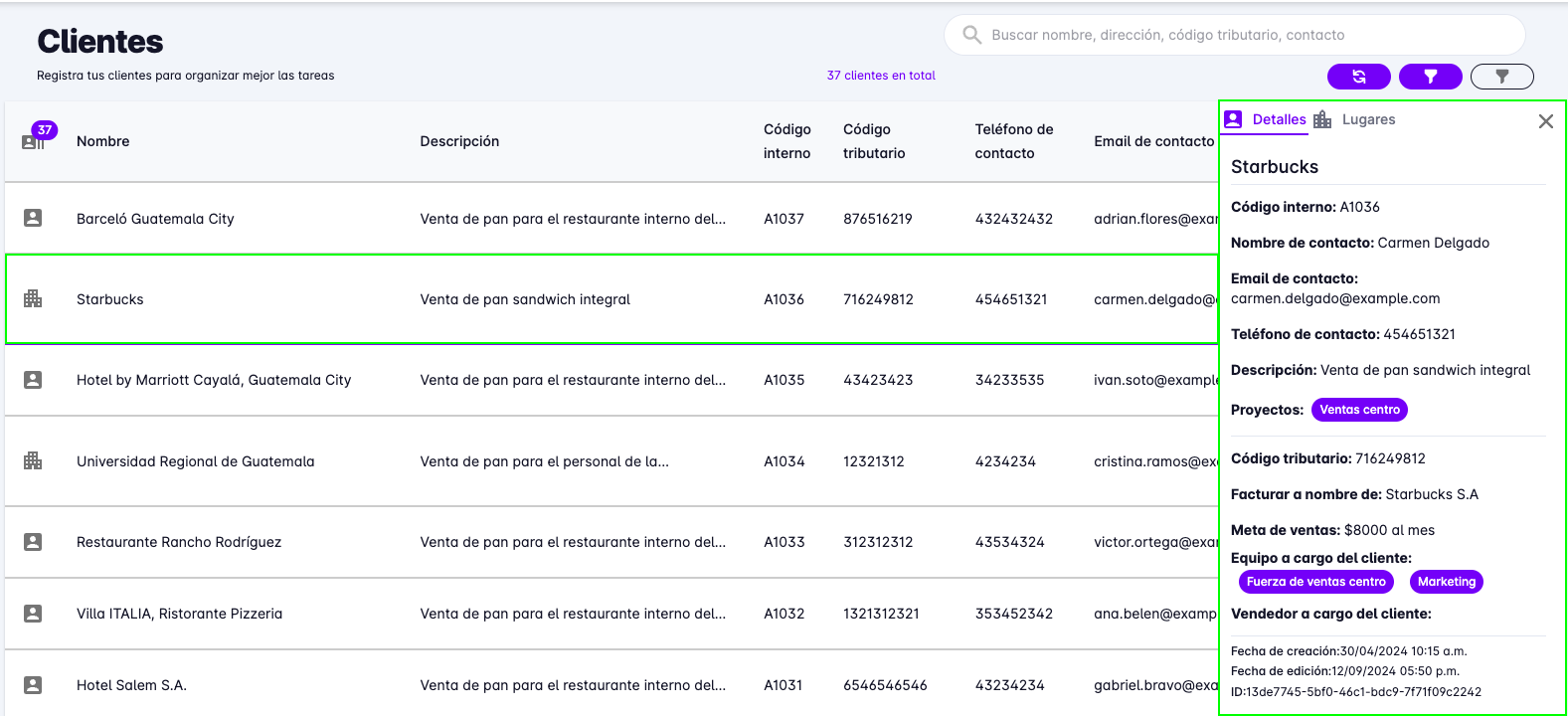
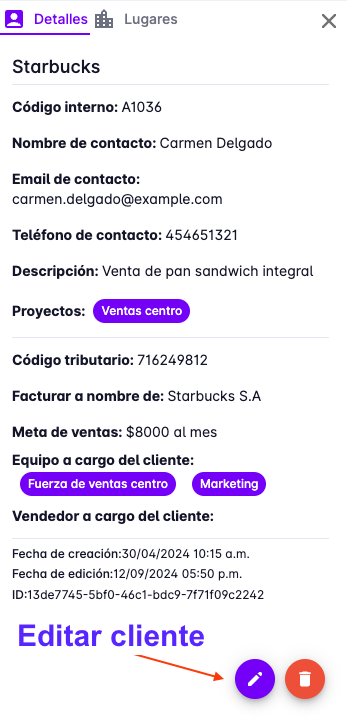
To view the details of a client, press the client in the client list.
This action will open a panel on the right side of the same page, showing the client's details.
Create a Client
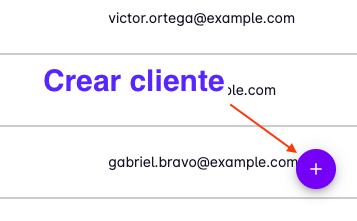
To create a new client, press the "+" button in the bottom right corner of the screen.
Edit Client
To edit a client, press the edit button that appears on the right side of the panel
where the client detail is shown.
Filter Clients
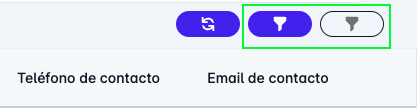
To filter clients, press the filter button in the upper right corner of the screen.
Search Clients
To search for a client, press the search button in the upper right corner of the screen.
You can search by name, tax ID, address, and internal code.

Total Clients
The top of the screen shows the total number of registered clients.
This number can also reflect clients found after applying filters.
Download Clients
To download clients, press the download button in the upper right corner of the screen.
Downloading in Excel and CSV format is available.