Projects
Projects are a way to logically organize and group the clients and tasks in your workspace. You can create as many projects as you need and link clients and tasks to them.
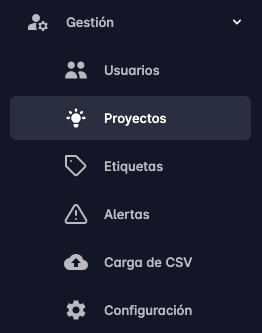
The projects page is located within the Management section.
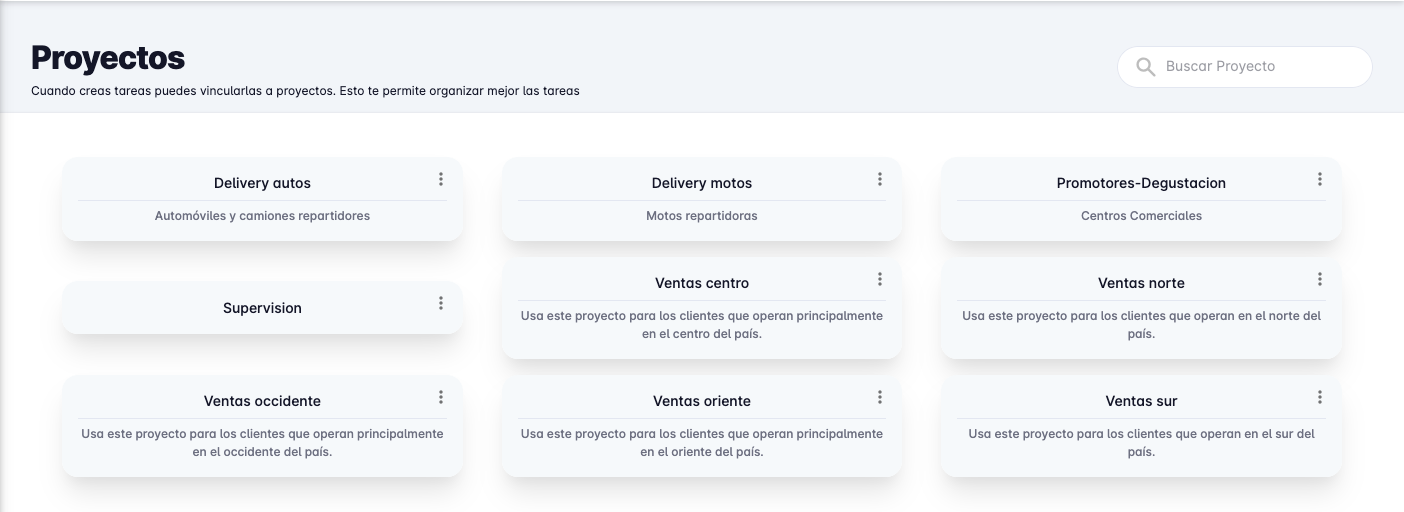
When you enter the projects page, a list of all projects created in the Workspace will be displayed.
Create Project
To create a project, click the New project button at the bottom right of the screen.
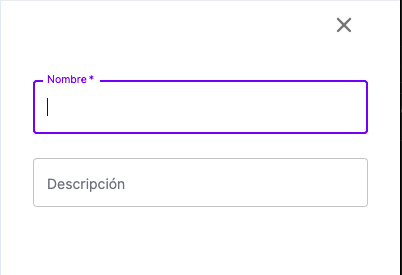
A panel will appear on the right side with a form to enter the project's name and description.
When you are ready, press the Save button.
Edit Project
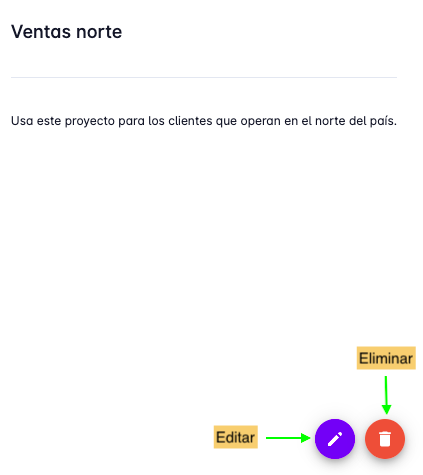
To edit a project, click on the project you want to edit. A panel will appear with the project's information, then press the Edit button.
Delete Project
To delete a project, click on the project you want to delete. The project detail panel will appear, and at the bottom right of the panel, click the Delete button.
You will be asked to confirm the deletion. Press the Delete button.